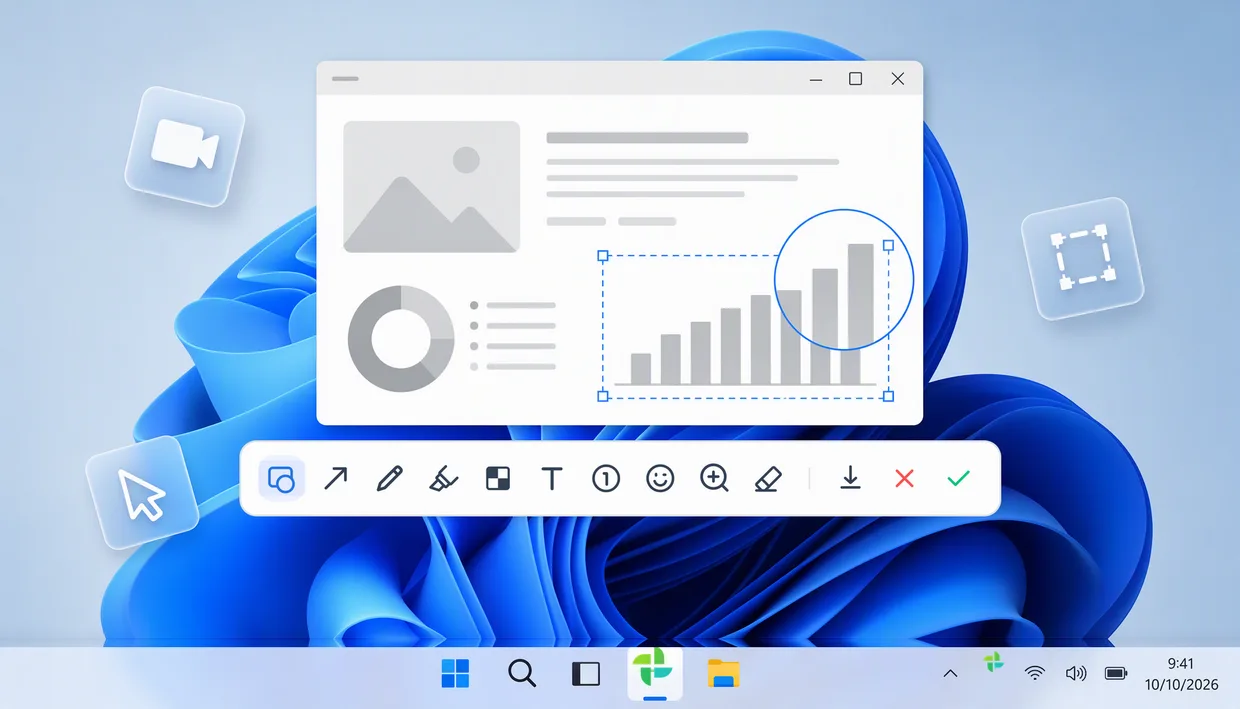
Product illustration from the Shotera site Shotera
Download availableCapture, record and annotate in one workflow
For tutorials, bug reports and documentation. Capture a region, a scrolling page or a recording, then mark the details that matter.
INDEPENDENT WINDOWS SOFTWARE STUDIO
Mosuzo Studio builds focused Windows tools for the work you do every day, from screen capture and recording to image editing and tutorials.
FEATURED WORK
Product illustration from the Shotera site Capture, record and annotate in one workflow
For tutorials, bug reports and documentation. Capture a region, a scrolling page or a recording, then mark the details that matter.
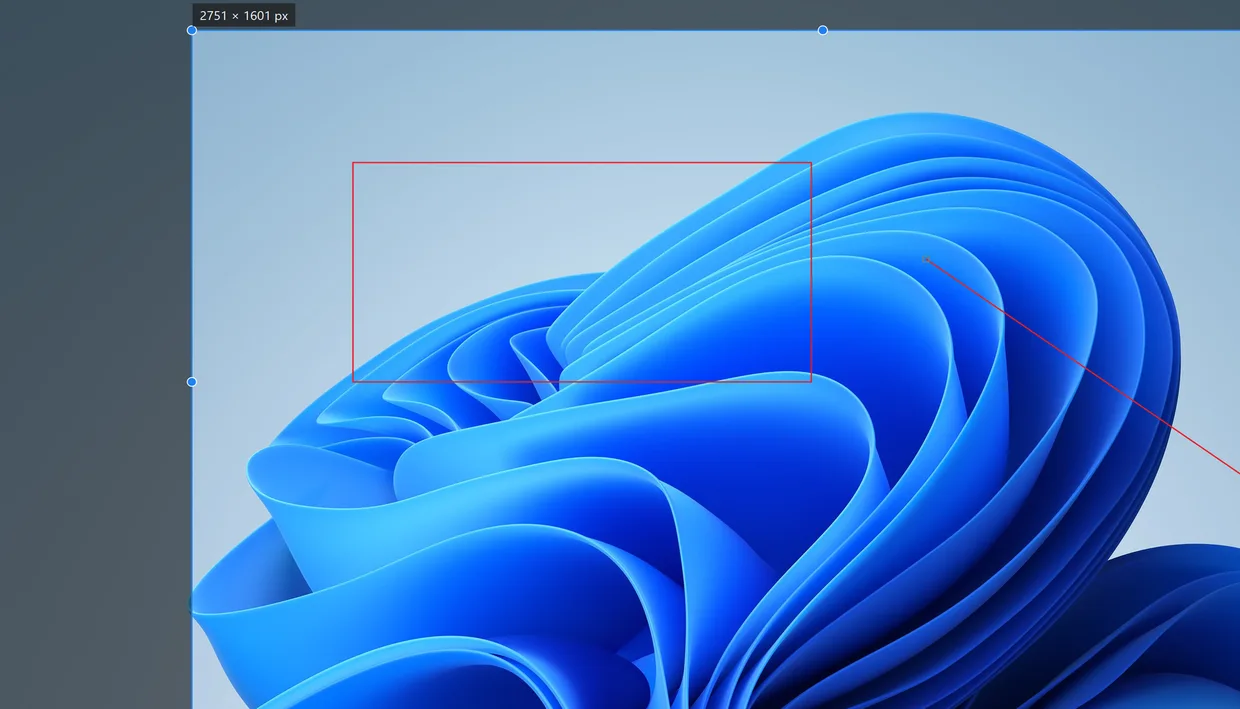
SnipArc app screenshot with Chinese UI Capture the point, mark it, share it
A Windows screenshot and annotation tool for everyday communication. Take a region capture and send a clearly marked result from your clipboard.
MORE FROM THE STUDIO
Find the app behind a window
Trace a window to its process, inspect the window tree and review transient pop-ups.
Navigate, trim and edit long images
Move between the overview and the details, trim the edges, then annotate, copy or export.
Let viewers see your keys and clicks
Show keycaps, mouse buttons and click ripples on screen during recordings and live demos.
Keep everyday actions within reach so that capturing and sharing take fewer switches.
Window origins, image dimensions, keystrokes and clicks help people understand what happened.
Record with a keystroke overlay, or capture a long page and trim it in the viewer. Choose the combination that fits the work.
FEEDBACK & PARTNERSHIPS
Tell us about a support question, a licensing need or a product you’d like to build together.